
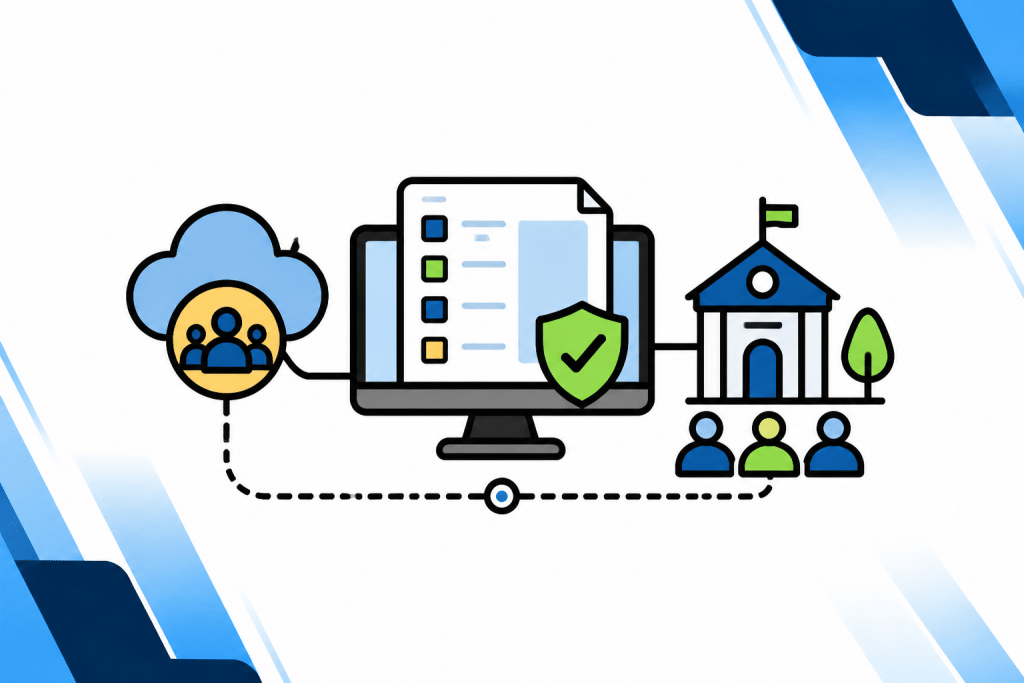
Parish and town councils are being asked to take their IT more seriously than ever. Since the 2025/26 Annual Governance and Accountability Return (AGAR), councils must confirm they meet a new Assertion 10 on digital and data compliance, including using council-owned email rather than personal Gmail or Hotmail accounts. Microsoft 365 is one of the simplest ways for a council to meet these requirements and work more efficiently. This guide explains what councils need, how Microsoft 365 helps, and how to make the move.
Why parish councils are changing how they handle email and data
Many smaller councils have historically run on goodwill: a clerk using a personal email address, councillors forwarding papers from their own accounts, and documents stored on a home laptop or a USB stick. It works until something goes wrong. A clerk leaves and takes years of correspondence with them, a laptop is lost, or a Freedom of Information or Subject Access Request arrives and nobody can find the emails.
Councils are public bodies that hold personal data about residents, so they have the same obligations under UK GDPR and the Data Protection Act 2018 as any other organisation. The new audit requirements simply make those obligations visible.
What is AGAR Assertion 10?
The Practitioners’ Guide for smaller authorities added Assertion 10, “Digital and data compliance”, to the Annual Governance Statement. It applies from the AGAR covering the 2025/26 financial year, so councils need to be compliant now. To answer “yes”, a council needs to show it has:
- Council-owned email: at least a generic, role-based email account, such as [email protected], on a domain the council owns and controls, rather than a free personal service.
- An IT and email policy: clear rules on how council devices, accounts and data are used, adopted and reviewed by the council.
- Data protection compliance: appropriate arrangements under UK GDPR and the Data Protection Act 2018, including how personal data is stored, shared and retained.
- An accessible website: a council website that meets accessibility requirements (WCAG 2.2 AA) and publishes an accessibility statement.
Councils are strongly encouraged to give councillors council email addresses too, so that council business stays in council systems rather than personal inboxes.
Should your council use a .gov.uk domain?
Assertion 10 accepts any domain the council owns, such as .org.uk, but a .gov.uk domain is widely seen as the best option. It immediately tells residents and suppliers that emails and the website genuinely come from the council, which makes impersonation and phishing harder. Parish and town council .gov.uk domains follow set naming patterns, for example yourplaceparishcouncil.gov.uk or yourplace-pc.gov.uk, and GOV.UK publishes guidance on moving a parish council to a .gov.uk domain.
Once the domain is registered, Microsoft 365 can use it for every council mailbox, so all official email comes from the same trusted address.
How Microsoft 365 helps parish councils
Professional, council-owned email
Every clerk, RFO and councillor can have their own mailbox on the council’s domain, plus shared mailboxes such as clerk@ or enquiries@ that several people can access. Because the council owns the accounts, nothing is lost when the clerk changes or a councillor stands down: you simply pass access to the new person.
Secure document storage with SharePoint and OneDrive
Agendas, minutes, policies, financial records and correspondence can live in a shared SharePoint site instead of on personal devices. You control who can see and edit each area, documents are backed up in the cloud, and everything stays together as a council record.
Meetings and collaboration with Teams
Microsoft Teams supports online and hybrid meetings, working groups and committee discussions. Councillors can review papers together, chat and share files without long email chains.
Easier FOI and Subject Access Requests
Because all council email and documents are held in one place, the clerk can search and retrieve information quickly when a request arrives. Microsoft 365 also includes retention settings, so records are kept for the right length of time.
Strong built-in security
Microsoft 365 includes email filtering, encryption and multi-factor authentication (MFA), which stops most attempts to break into accounts even when a password is stolen. Councils are a common target for invoice fraud and phishing, so these protections matter.
Familiar tools
Word, Excel, Outlook and PowerPoint work exactly as clerks and councillors expect, on computers, tablets and phones.
Which Microsoft 365 plan does a council need?
Most councils need one of two plans:
- Microsoft 365 Business Basic: email, Teams, SharePoint and OneDrive, with the web and mobile versions of the Office apps. This suits most councillors, who mainly need email and access to shared documents.
- Microsoft 365 Business Standard: everything in Basic, plus the desktop Office apps. This usually suits the clerk or RFO, who works with documents and spreadsheets every day.
You can mix plans, so each person only pays for what they need. Shared mailboxes such as clerk@ don’t need their own licence. Parish councils are public bodies, so they aren’t usually eligible for Microsoft’s charity discounts, but the business plans are cost-effective for small councils.
Moving your council to Microsoft 365: step by step
- Register your domain. Secure a .gov.uk (or .org.uk) domain for the council if you don’t already have one.
- Plan your accounts. Decide who needs a mailbox, which shared addresses you need (clerk@, rfo@, enquiries@) and which plan each person needs.
- Set up Microsoft 365 securely. Connect the domain, create accounts, switch on MFA and configure email security and retention settings.
- Move existing email and files. Migrate the clerk’s existing mailbox and council documents from personal accounts and devices into Microsoft 365, so the council’s history is preserved.
- Set up SharePoint and Teams. Create areas for council papers, committees and finance, with the right permissions for clerks and councillors.
- Help councillors get started. Provide simple guidance on signing in, MFA and finding papers, especially for less confident users.
- Adopt your IT and email policy. Record the new arrangements in a policy the council can adopt and review each year, as evidence for Assertion 10.
Assertion 10 checklist for councils
- A council-owned domain, ideally .gov.uk
- A generic clerk@ (or similar) email address on that domain
- Council email addresses for councillors, rather than personal accounts
- An adopted IT and email use policy
- Council documents stored in council-controlled systems, not personal devices
- Multi-factor authentication on all council accounts
- Arrangements for UK GDPR, retention and handling information requests
- An accessible website with an accessibility statement
Frequently asked questions
Do councillors have to have council email addresses?
Assertion 10 requires at least a generic council-owned email account, and councils are strongly encouraged to give councillors council email addresses as well. It keeps council business out of personal inboxes and makes information requests much easier to handle.
Can we keep our existing emails when we move?
Yes. Existing mail from Gmail, Outlook.com or other providers can be migrated into the new Microsoft 365 mailboxes, so the council keeps its history.
Do we have to use a .gov.uk domain?
No. Any domain the council owns and controls, such as .org.uk, can meet the requirement, but .gov.uk gives residents the most confidence that messages genuinely come from the council.
Is Microsoft 365 secure enough for council data?
Yes, when it’s set up properly. Turning on multi-factor authentication, email filtering and sensible sharing settings gives councils far better protection than personal email accounts.
What happens when the clerk leaves?
Because the mailboxes and documents belong to the council, access simply passes to the new clerk. Nothing is lost and there’s no need to chase old personal accounts.
How Information Solutions can help
We set up and support Microsoft 365 for organisations across Shropshire, Wales and the Midlands, and can support councils remotely anywhere in the UK. We can help your council choose the right plans, connect your domain, migrate existing email and documents, switch on the right security settings and give clerks and councillors a simple way to get started. Our sister company, The Web Orchard, can also help with an accessible council website.
If your council is working towards Assertion 10, get in touch with our team and we’ll talk you through the options.